
Amazon Prime Turkey: 2026 Price, Trial, Ads and Delivery Checks
Table of Contents
Checked 1 October 2026 · Prices in Turkish lira (TL / TRY)
Amazon Prime Turkey is advertised at 69.90 TL a month, with an initial 30-day free trial offered on its public sign-up page. The price includes the Turkish Prime bundle, including eligible delivery benefits and Prime Video with limited ads. Your own account decides whether you get the trial, and the membership keeps renewing until you cancel.
For someone living in Turkey, the useful question is whether you will watch the available titles or save on orders you were already going to place. For a visitor, it is whether the Turkish membership fits your stay, payment card and viewing location. A low monthly fee is only part of that decision.

How much does Amazon Prime cost in Turkey?
The ordinary monthly price shown on Amazon’s Turkish Prime sign-up page is 69.90 TL. Three paid months would cost 209.70 TL; twelve would cost 838.80 TL if that monthly price stayed the same. These are sums of monthly charges, not an annual-plan offer or a promise that the price will stay unchanged.
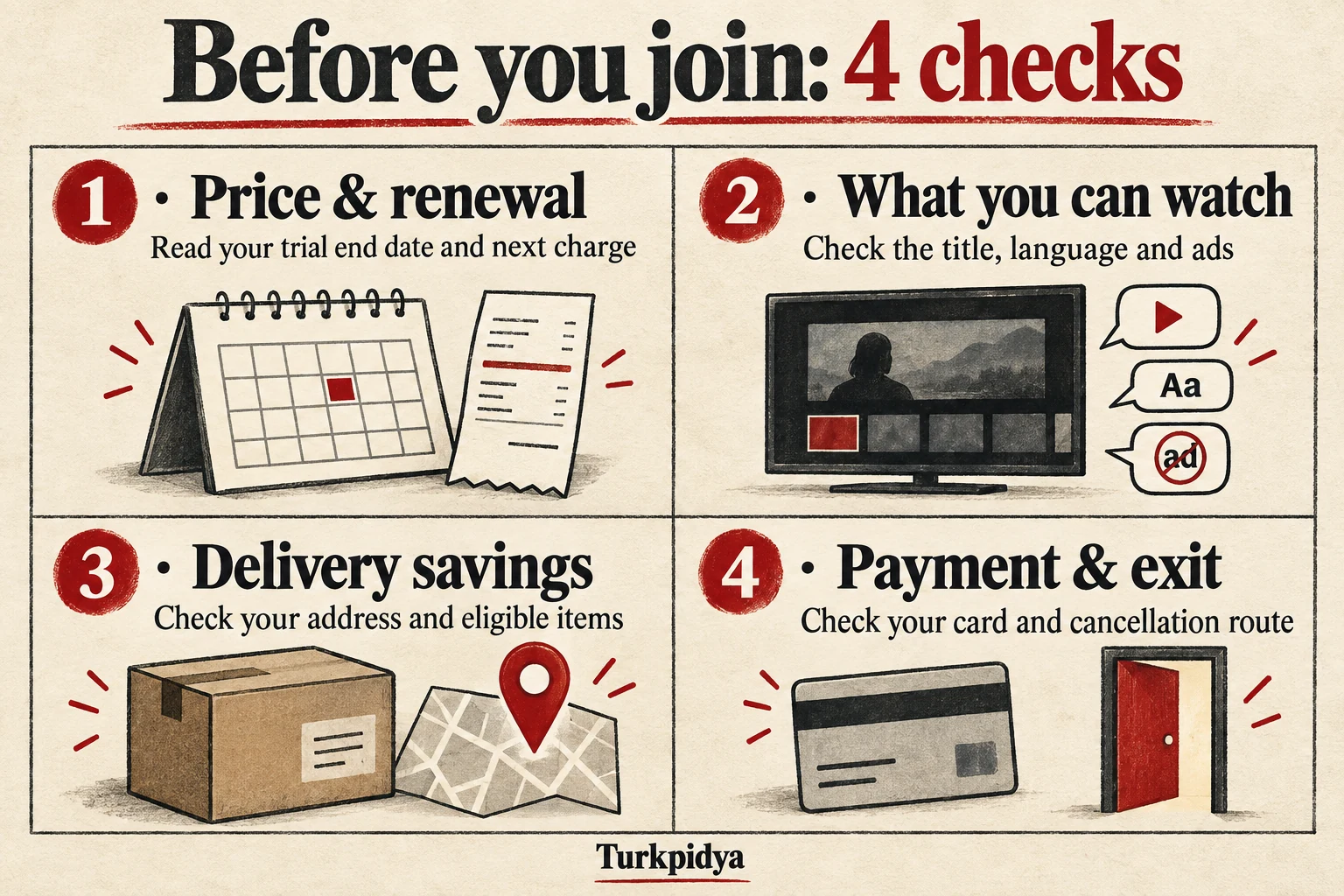
The public page advertises 30 free days. That does not mean every returning member receives another trial. Before joining, read the offer shown after you sign in: the amount due now, the end of any trial and the next payment date. If your account shows a paid membership immediately, use that offer for your budget.
A foreign-currency estimate can go stale quickly. Use our Turkish lira currency converter for an indicative comparison, then check your card issuer’s conversion and foreign-transaction fees. The amount charged to the subscription is in lira; your card statement may show a different currency.
Is it cheaper than Netflix or HBO Max?
Compare the plan you would actually use, including ads, the required picture quality and the shows on your list. A cheap service you never open is still an extra bill. If you keep both subscriptions, Prime adds to your spending; it only replaces another bill if you actually stop paying that other subscription.
| Service | Price check | Your deciding question |
|---|---|---|
| Amazon Prime Turkey | 69.90 TL/month on the checked public offer; eligible trial separately | Will I use the local video catalogue or eligible shopping benefits, and am I comfortable with limited ads? |
| Netflix | Read the current Turkish price for your chosen plan in your account or sign-up flow | Does that plan cover my preferred titles, screens and picture quality? |
| HBO Max | Read the Turkish offer for the plan and billing method you choose | Do I want the HBO/Warner catalogue or the Turkish shows formerly associated with BluTV? |
Older price lists may still show BluTV as a separate current choice. BluTV became Max in Turkey in April 2025; the current local help site uses HBO Max’s Turkish plan names. We have not carried old Netflix or BluTV prices into this comparison. Check Netflix’s plan options with Turkey selected, because a Turkish-language help page can still show another country’s prices.
What does Prime Video Turkey actually include?
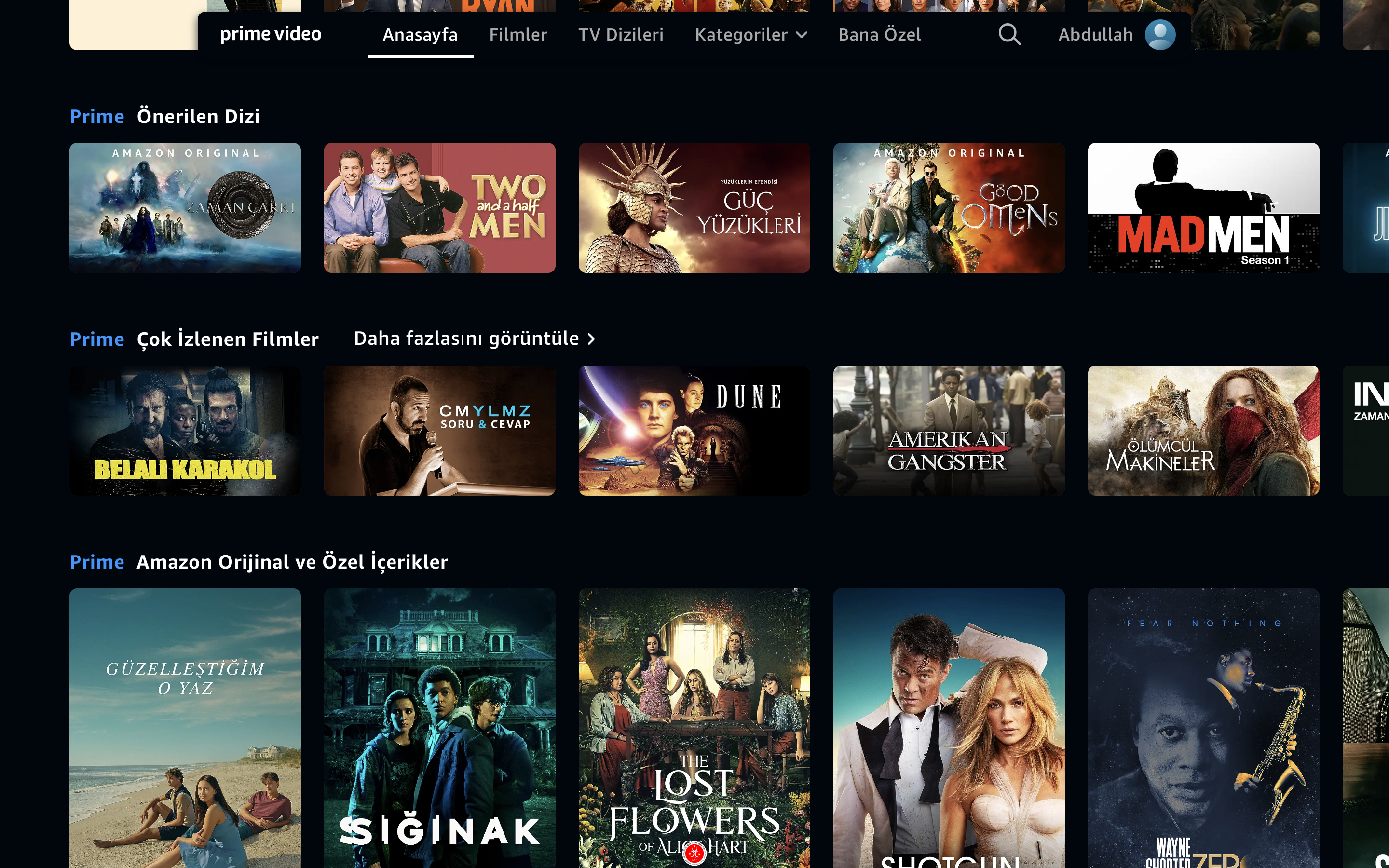
The Turkish Prime offer includes Prime Video’s local selection of films, series and Amazon Originals. It is not a promise that every film displayed in the app is included, or that Turkey has the same catalogue as the US, UK or Germany. Start with two or three things you genuinely want to watch and check their individual pages while signed into the account you will use.
If you are joining for Fallout, The Lord of the Rings: The Rings of Power, Dayı 2 or Sandokan, search the exact title and season. These are examples of what a reader might look for, not a verified list of today’s included titles or Turkish chart positions. A trailer, search result or old “top ten” list is not proof that the full season is currently included in your membership.
- Read the access label. Look for the title being included with Prime. A separate rental, purchase or add-on price is another charge.
- Check the season and episodes. The series page alone may not answer whether the episode you want is available.
- Check audio and subtitles. English menus do not guarantee English audio or subtitles for every programme.
- Try your actual device during any eligible trial. A working phone app does not settle every question about your television’s picture, sound or subtitles.
Does Prime Video Turkey have ads?
Yes. The checked Turkish Prime page explicitly describes Prime Video as including limited ads. Do not budget for an entirely ad-free service at the base price. If your account offers an ad-free option, read its additional recurring charge and exclusions before choosing it; no Turkish ad-free add-on price has been verified for this guide.
The same care applies to an extra channel or a title offered for rent. Read the final confirmation screen to see what you are subscribing to or buying. A separate add-on is not automatically covered by the 69.90 TL Prime fee.
English subtitles, devices and downloads
During playback, open the subtitle or audio menu and choose from the tracks offered for that title. On a television, you may need to open the title’s details first. Amazon’s help explains how to select subtitles on a smart TV and how to change a title’s audio track. Availability depends on the title and supported device.
Amazon’s Prime Video viewing rules generally allow three subscription titles to stream at once, with the same title on no more than two devices; the rules warn that regional limits can vary. Many titles can be downloaded temporarily on compatible devices, but not all. Use the download option and expiry shown in your app rather than assuming every episode will work offline. Downloads are not permanent purchases and do not preserve subscription access after the membership ends.
Can foreigners join, and do foreign cards work?
Amazon’s Turkish FAQ says people living outside Turkey can join Amazon.com.tr Prime. It also says the free/fast delivery and Prime Video benefits of that membership are for use in Turkey. That is a more useful distinction than nationality: being able to register does not turn a Turkish membership into a worldwide Prime pass.
For the Prime membership payment, Amazon lists Visa, Mastercard and American Express credit cards. It says Amazon.com.tr gift cards and gift balance cannot pay for Prime. That does not establish that every foreign-issued card will work, nor that a Turkish bank card is always required. It also does not confirm universal acceptance of debit, prepaid or TROY cards for membership.
If payment fails, the error message alone does not prove it was caused by your nationality or the card’s issuing country. Try these checks in order:
- Confirm the membership and marketplace. Make sure you are joining Amazon.com.tr Prime and the account/payment details belong to you.
- Check the card entry. Review the cardholder name, expiry and billing details privately in Amazon’s own payment page.
- Ask your issuer about the decline. Check whether the card supports online recurring payments, whether a limit or verification step is blocking this charge, and whether the bank can identify the attempted payment.
- Ask Amazon which payment methods your account can use. Describe the error and card network without sending a full card number, security code or password in ordinary chat.
Do not assume a gift-card purchase will fix the membership payment: Amazon explicitly excludes that balance. And do not open a bank account just because an old article claims foreigners are blocked. First establish what is actually preventing your payment. A card that works for shopping is not, by itself, proof that it can fund this recurring membership.
How to sign up without mixing up countries or subscriptions
- Start on the Turkish Prime page. Check the .com.tr domain and the lira price before continuing.
- Sign in to the Amazon account you intend to use. Check whether you already have another Prime membership, so a new Turkish subscription does not come as a surprise.
- Read your personal offer. Look for “30 gün ücretsiz” if a free trial is offered, the amount payable now and the next charge date. Save that date somewhere you will see it.
- Add an accepted payment method. Review the recurring payment and terms before confirming. A public free-trial banner is not a substitute for the final account offer.
- Open Prime Video with the same account. Check the titles, language tracks and device you plan to use. If it asks you to subscribe again, first check which account and membership are active.
- For deliveries, set your real address. Inspect the Prime eligibility and delivery promise for each item before treating it as a benefit.
Changing the storefront you browse is not the same as cancelling an existing Prime membership or permanently moving your digital account. Avoid changing your digital country settings simply to troubleshoot a card decline. If you have moved to Turkey and need to transfer an account, ask Amazon about your existing digital purchases and subscriptions before making that change.
Delivery benefits: check the item and address
The Turkish Prime page promotes free fast delivery on eligible products, including same-day and next-day options where available. It does not promise those speeds for every item, seller or destination. Amazon tells shoppers to look for the Prime logo next to the price and check the product’s ordering cutoff; unavailable stock or an item that cannot be shipped can remove Prime delivery options.
Set the delivery address before judging the offer. Then read the date and charge at checkout. A fixed city list or a universal “order before 11:30” rule is not reliable enough to plan around. Neither is the assumption that one expensive phone order saves an entire year’s membership cost: the saving is the delivery charge you really avoid, not the price of the phone.
For a fair calculation, compare the same product, address and delivery speed. If your order would already ship free without Prime, its shipping saving is zero. Paying for a membership may still be worthwhile for faster service or viewing, but those are separate reasons. Count a members-only discount only if you would have bought the item anyway and the total price is genuinely better.
What about games and other Prime benefits?
The current Turkish landing page labels its gaming benefit Amazon Luna and mentions free games and a monthly Twitch channel subscription. Check the linked benefit page for your account’s available games, claiming steps and device or location requirements. The name alone does not establish that every Luna cloud-gaming feature is available in Turkey.
Do not import a US Prime benefits list into a Turkish buying decision. Music, reading, household sharing, student discounts or special payment promotions should only enter your comparison when Amazon explicitly offers them to your Turkish account. Time-limited sale perks and selected-card instalments are not permanent benefits for every member.
Will Prime pay for itself? Try your own numbers
This calculator compares paid membership charges with actual shipping and shopping savings. It deliberately leaves the entertainment value to you: if you are happy to pay 69.90 TL for the programmes, shopping savings are a bonus. If you only want cheaper deliveries, they need to cover the fee.
Your Prime cost and savings
Use 69.90 TL per paid month. Enter only charges or discounts you really avoid with Prime. If delivery would already be free, enter zero for shipping savings.
Your comparison
A realistic example: if you would otherwise pay 40 TL for each of two eligible deliveries in a month, avoiding 80 TL of charges leaves you 10.10 TL ahead after the 69.90 TL fee. One such order leaves you 29.90 TL short. The 40 TL is an example you can replace, not Amazon’s published delivery tariff.
How to cancel Prime Turkey and check a refund
Prime continues until cancelled. Amazon’s Turkish FAQ directs members to “Üyeliğini Yönet” (manage your membership), then “Ayarları Güncelle” (update settings) to change or end it. Follow the cancellation flow to its confirmation and check the effective end date and whether another payment is scheduled.
Deleting the app or signing out does not tell you whether renewal has stopped. Keep the cancellation confirmation, and re-open the membership page if the status is unclear. To avoid a paid renewal after a trial, finish cancelling before the next charge shown in your account rather than relying on a calendar guess.
The published FAQ says the current billing period is fully refunded to the original payment method if no Prime benefit was used during that period. It says there is no refund if Prime services were used. That is the published rule, not a promise about your individual claim; check your account and contact Amazon if a charge or refund looks wrong.
If you also bought a separate video add-on, or a subscription through another billing provider, inspect that subscription’s own cancellation route. Check another country’s Amazon site separately for a membership there. Cancelling the Turkish membership is not proof that a second subscription has ended.
Is Prime Turkey a good choice for visitors and expats?
For someone settled in Turkey: it can make sense if the titles you want are included, your device works well and you use eligible deliveries. Try the calculator with a typical month, not a shopping-spree month. Check whether limited ads affect how much you value the video service.
For a short visit: first check the membership you already have and what it lets you watch in Turkey. Amazon’s guidance on watching while travelling says the available selection can change abroad. It also describes downloading supported titles before travelling. Do not buy the Turkish plan assuming its full catalogue will follow you home.
If payment is unresolved: resolve the actual decline with Amazon and the issuer before investing more time. No title or delivery benefit is worth joining through someone else’s account or handing over sensitive card details to an unofficial “activation” service.
The best reason to keep Prime is simple: you use what it includes at the price your account shows. Check that after the first month, and again when the price or your viewing habits change.
About this update: The Turkish price, advertised trial, limited ads, membership payment list, country limits and cancellation wording were checked against Amazon.com.tr’s public Prime page and expanded FAQs captured on 1 October 2026. Later automated reads of that page were unavailable, so this is a dated public offer check, not a personalised checkout quote. Viewing, language and travel guidance is linked where it is discussed. No current Turkish rival-plan or ad-free add-on price is claimed.