Kanal D Turkey: Frequencies, TV Guide and Popular Series 2026
From rooftop to remote: copy the receiver settings, find the dish direction for your city and check tonight’s TV guide.
Table of Contents
Find Turkey’s Kanal D on Türksat at 42° east with these settings: 12245, H, 27500 and 5/6. Your receiver must be HD and support DVB-S2. For the European version, select Euro D’s separate settings in the receiver panel below.
Tune in now
The right settings, a clear picture.
- You need an HD receiver with DVB-S2 to receive this broadcast.
- Kanal D HD broadcasts free-to-air.
- In Europe: Euro D. Kanal D HD’s Türksat signal is aimed at Turkey; Euro D has its own settings and schedule. Pick the version first, then enter the values.
Open the installation menu. The values are written as they appear on a receiver. To message your installer, copy all the settings on one line.
Settings checked on 5 October 2026.
Sample receiver menu
Kanal D HD
- Satellite
- Türksat 4A / 42°E
- Frequency
- 12245
- Polarisation
- H
- Symbol rate
- 27500
- FEC
- 5/6
- Broadcast mode
- DVB-S2 / 8PSK
Euro D HD
- Satellite
- Türksat 4A / 42°E
- Frequency
- 12034
- Polarisation
- V
- Symbol rate
- 27500
- FEC
- 3/4
- Broadcast mode
- DVB-S2 / 8PSK
Where to point your dish
In most Turkish cities, point the dish south and a little east; in Van, a little west of south. Pick your city to see the direction, elevation and turn of the part in front of the dish. Outside Turkey, tap “My location” to get the angles for where you are.
Angle table for all cities
| City | Direction | Elevation | LNB |
|---|---|---|---|
| Ankara | 165.9° | 42.8° | 10.7° anticlockwise |
| Antalya | 161.6° | 45.6° | 14.5° anticlockwise |
| Bursa | 160.4° | 41.6° | 14.7° anticlockwise |
| Denizli | 159.5° | 44.2° | 16.0° anticlockwise |
| Erzurum | 178.9° | 43.8° | 0.9° anticlockwise |
| Eskişehir | 162.4° | 42.5° | 13.4° anticlockwise |
| Istanbul | 160.6° | 40.7° | 14.5° anticlockwise |
| Kayseri | 169.7° | 44.6° | 8.0° anticlockwise |
| Trabzon | 176.5° | 42.5° | 2.6° anticlockwise |
| Van | 182.3° | 45.4° | 1.8° clockwise |
42°E is the satellite’s orbital position, not the bearing to use on a compass. This tool measures direction from geographic north. In your phone’s compass app, select geographic north or True North, then find your city’s bearing on the compass.
To fine-tune the dish, an installer moves it horizontally and vertically to find the best signal quality. These values are a starting point; check the quality on your receiver. With browser permission, the “My location” button calculates the angles for your position without sending your coordinates to the site. The city list uses the approximate centre of each city.
Manual scan on your receiver
Select the satellite, enter the settings and start the scan. Tap each step to change its indicator on the TV. On a phone, swipe the steps sideways.

- Select the satelliteIn the installation menu, select Türksat 4A / 42°E. Set the antenna input to match your dish connection.
- Add the transponderEnter frequency 12245, polarisation H, symbol rate 27500 and FEC 5/6. Broadcast mode: DVB-S2 / 8PSK.
- Start the scanIf your receiver detects the broadcast mode and error correction automatically, enter the frequency, polarisation and symbol rate, then start the scan.
- Save the channelLook for KANAL D HD in the list. Check the end of the list too, then save the channel and move it to your preferred position.
TKGS-compatible receiver
If your device has the Türksat channel list update system, select Kanal Listesini Güncelle, meaning “Update channel list”, in the menu. Kanal D recommends this method for compatible receivers, so first look for this option on your device.
Found the channel? Look for KANAL D HD in the list and open it to view the picture. If it is already saved, move that entry to your preferred position.
Got a signal but no channel?
Select what you see on your TV, then follow the steps in that section. For a missing channel or a picture that breaks up, Kanal D suggests checking the antenna alignment.
What do you see on screen?
Choose a symptom to open the troubleshooting steps below.
Check the antenna connection
If the quality bar is also at zero, check the cable connection and antenna input, then ask an installer to align the dish. Your city’s bearing is ready in the compass above.
- Select Türksat and the input connected to your dish.
- Check the cable connection.
- Ask an installer to help align the antenna.
Find the channel name and settings
For Kanal D, 12245 and H must go together. Check the settings and scan. Look for KANAL D HD throughout the list; if it is already saved, open that entry.
- Select the channel version in the settings menu above.
- Check each value against your receiver.
- Search the list for the channel name.
Open the service already saved
First check the list for KANAL D HD. Open another channel and compare reception. For picture quality, the network’s guide recommends an HDMI connection and adjusting the receiver’s output settings.
- Check the service name.
- Check the connection between the receiver and TV.
- If you see a signal message, check the antenna alignment.
Improve signal quality
Does the picture break up or freeze? The antenna usually needs aligning. Ask an installer to fine-tune the dish. Tell them about any weather changes or movement of the dish too.
- Check the quality bar.
- Write down the current settings for the installer.
- Ask the installer to find the best reception position.
Check receiver compatibility
You need an HD receiver for Kanal D HD; the network’s guide states this requirement. Before scanning again, find the model number on the device and check its specifications for DVB-S2 support.
- Check the device model.
- Check for HD and DVB-S2 support.
- Use a compatible receiver for this broadcast.
“I should set my compass to 42.”
The direction is calculated separately for each city. 42°E is the satellite’s orbital position; to align your dish, check your city’s azimuth in the compass on this page.
“The bar is full, so the channel has been found.”
Find the channel name in the list, check the signal quality and open it to view the picture.
“Euro D is the same as Kanal D.”
The European version uses frequency 12034 with V polarisation and has its own schedule. To watch your chosen programme, use the same version in both the receiver menu and the TV guide.
Live TV and today’s schedule
Open Kanal D’s live TV page on your phone. For today’s programmes, select the date in the network’s TV guide; if you watch Euro D, read that version’s schedule. The decoder below explains the Turkish words.
Live TV
Open the TV stream in your phone’s browser. Start here to watch the programme currently on air.
Today’s schedule
Select today’s date, read the title and check the broadcast type. Find the programme’s time on this page.
Euro D schedule
If your receiver shows Euro D, open this schedule. Find your chosen programme in this version’s TV guide.
The network’s own pages, checked on 5 October 2026.
Turkish TV guide decoder
What does this word mean?
Yeni Bölüm
yeh-nee bur-lewm
New episode
Tekrar
tek-rahr
Repeat
Canlı Yayın
jahn-luh yah-yuhn
Live TV
Fragman
frahg-mahn
Teaser and preview
Bölümler
bur-lewm-ler
Episodes
Özet
ur-zet
Recap
Sezon Finali
seh-zon fee-nah-lee
Season finale
Final
fee-nahl
Series finale
Listen to the word or use the enlarge button to see it in a larger size.
Kanal D explains that online content and TV broadcasts sometimes differ. To follow a series from the start, open its page and go to the episodes section. For a quick look at the next episode, select the preview; the decoder above explains the words for both sections.
Kanal D series in autumn 2026
For family drama, start with “Distant City” or “Roses and Sins”; for a story about young people, try “Still Seventeen”. Want cooking? Choose the daughters-in-law’s competition or Arda’s Kitchen. Find viewing times in the TV guide in the previous section.
Distant City
Alya arrives in Mardin from Canada and clashes with her husband’s family. Start with the first episode for a story of family and secrets.
Roses and Sins
Berrak’s secret turns her husband Serhat’s life upside down. To follow the story, open the full episode on the series page.
Still Seventeen
Aras searches for his missing brother; friendship and perseverance are at the heart of the story. Episodes and the next episode’s preview are on the network’s page.
My Daughter-in-Law Is in the Kitchen
Watch the daughters-in-law compete and see each day’s scores. For the dishes themselves, open the recipes section; for the results, choose the clips.
Arda’s Kitchen
Find Arda’s recipes in this programme. Read the dish’s name and open the corresponding video; full episodes are available too.
Programme list checked on 5 October 2026. On a phone, swipe the cards sideways and choose your preferred title.

The broadcasting company named on Kanal D’s information page is DEMİRÖREN TV RADYO YAYINCILIK YAPIMCILIK A.Ş..
Sources
Settings, viewing pages and programmes were checked against Kanal D, Euro D and Türksat on 5 October 2026. The dish angles are our calculations for the satellite at 42° east; the cities are approximate points on the map. Before changing any settings, check the values on the network’s frequency page against your receiver.
View the pages checked
- Frequency, free-to-air broadcasting and receiver guide — Kanal D, checked on 5 October 2026
- Kanal D HD entry in the frequency list — Türksat, checked on 5 October 2026
- Euro D HD settings — Euro D, checked on 5 October 2026
- Euro D HD entry in the frequency list — Türksat, checked on 5 October 2026
- Guide to horizontal and vertical antenna movement — Türksat, checked on 5 October 2026
- Geographic north and magnetic north — NOAA NCEI, checked on 5 October 2026
- Live TV and differences between online and TV content — Kanal D, checked on 5 October 2026
- Daily schedule and titles currently on air — Kanal D, checked on 5 October 2026
- Schedule checked for 5 October — Kanal D, checked on 5 October 2026
- Euro D schedule — Euro D, checked on 5 October 2026
- Broadcasting company name — Kanal D, checked on 5 October 2026
- Map and city locations — OpenStreetMap, checked on 5 October 2026
- Distant City: episodes and introduction — Kanal D, checked on 5 October 2026
- Distant City: story — Kanal D, checked on 5 October 2026
- Roses and Sins: episodes and introduction — Kanal D, checked on 5 October 2026
- Roses and Sins: story — Kanal D, checked on 5 October 2026
- Still Seventeen: episodes and introduction — Kanal D, checked on 5 October 2026
- Still Seventeen: story — Kanal D, checked on 5 October 2026
- My Daughter-in-Law Is in the Kitchen: episodes and introduction — Kanal D, checked on 5 October 2026
- Arda’s Kitchen: episodes and introduction — Kanal D, checked on 5 October 2026
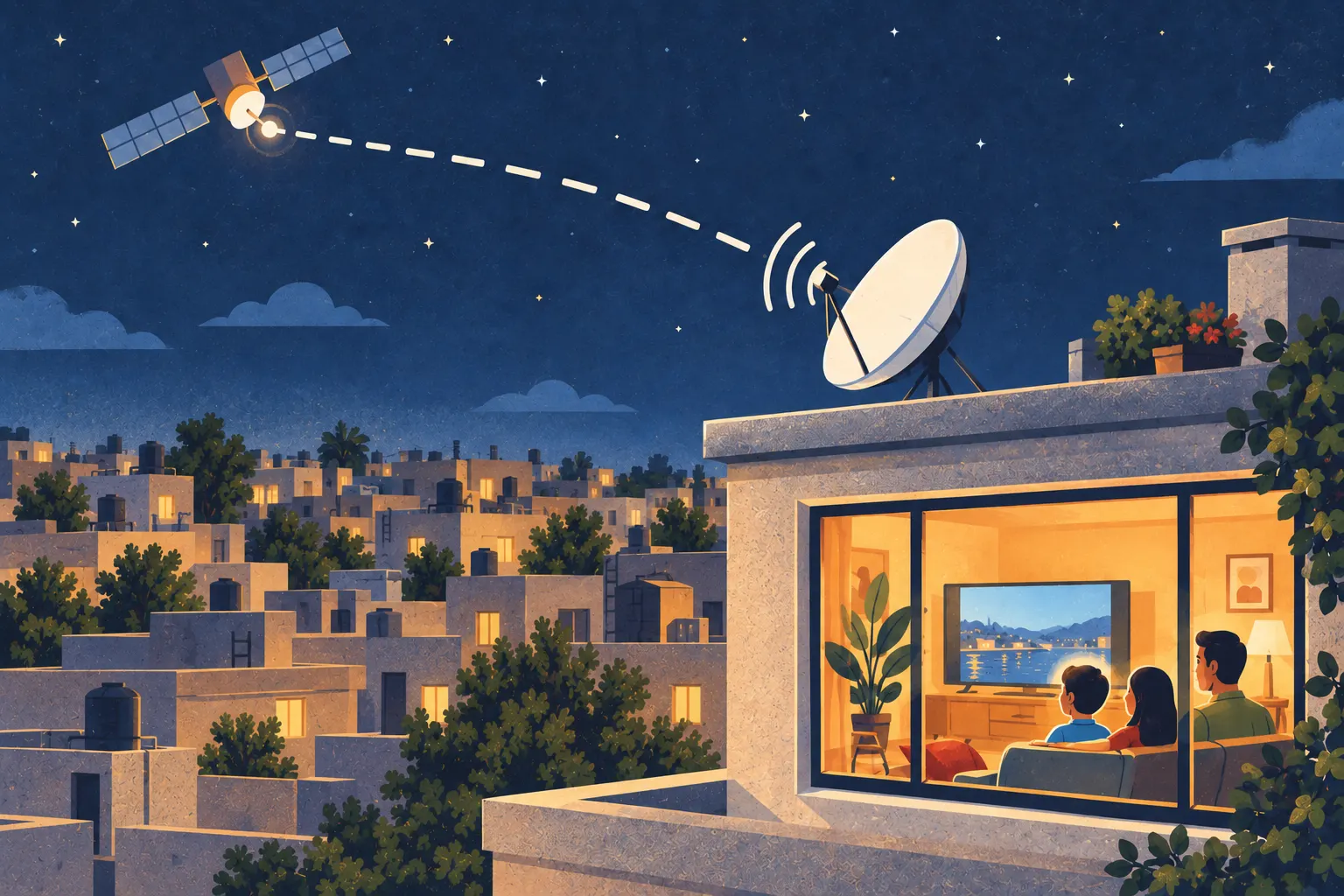
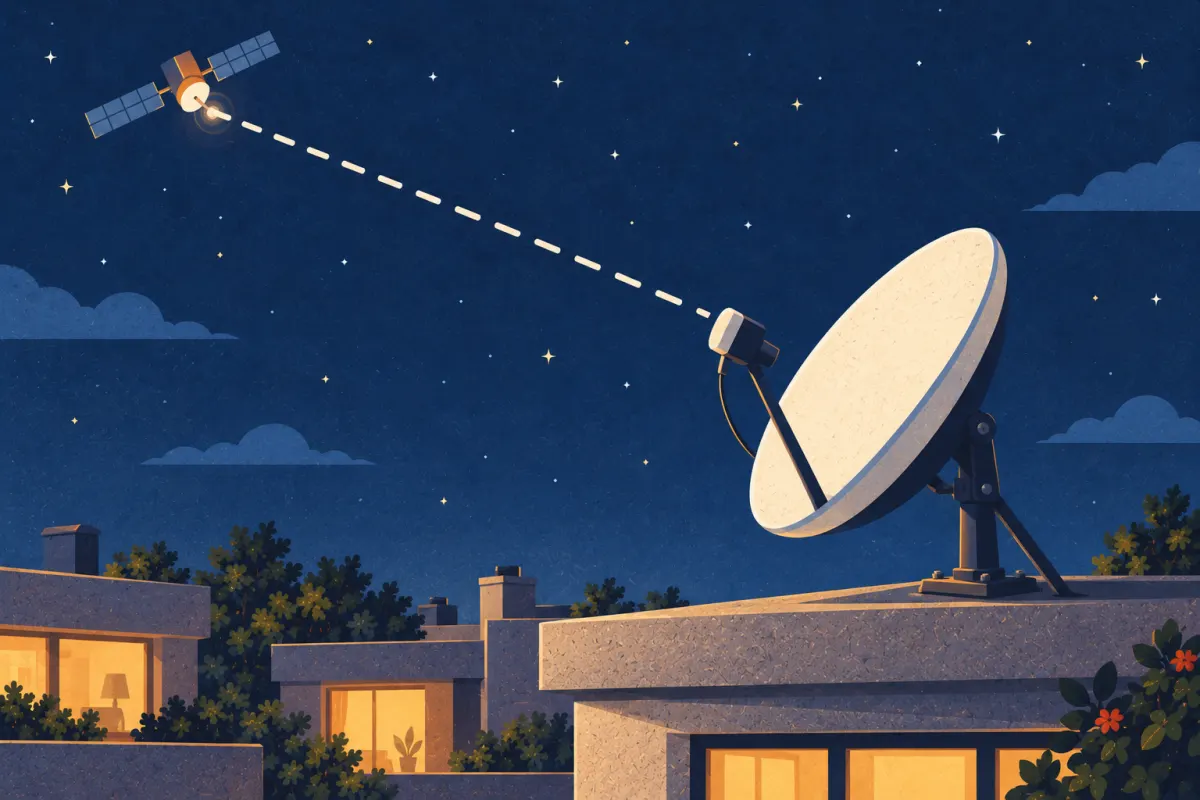
All images are illustrations: the rooftop, receiver and living room were created to explain the viewing process.